- Jun 28 Fri 2019 11:44
-
CentOS 7 的 ifconfig 指令
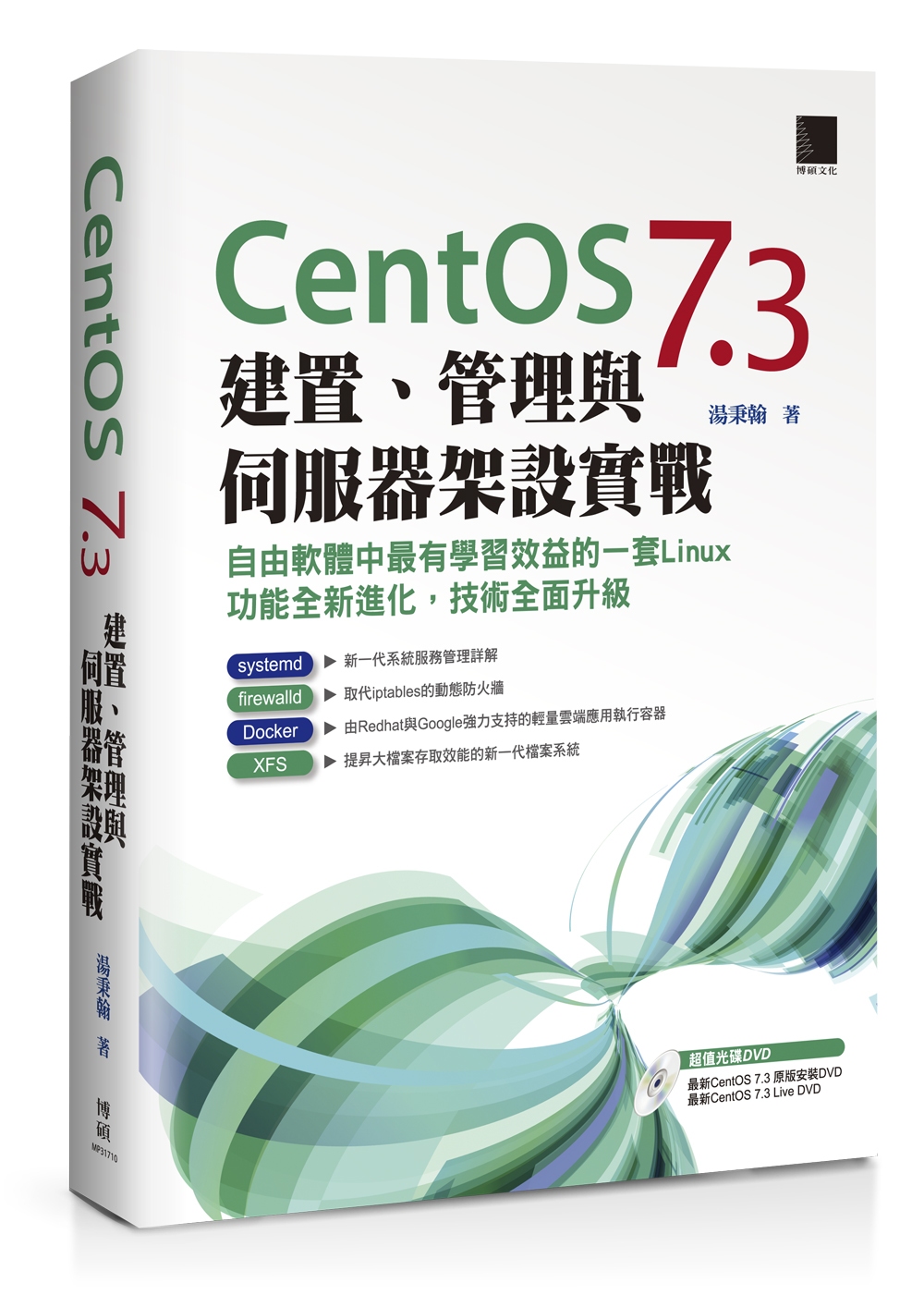
- Jun 27 Thu 2019 10:46
-
CentOS 7 調整時區並校正時間
# 檢查目前系統時區狀態
[root@test01 ~]# timedatectl
Local time: Thu 2019-06-27 10:41:44 CST
Universal time: Thu 2019-06-27 02:41:44 UTC
RTC time: Thu 2019-06-27 02:41:43
Time zone: Asia/Taipei (CST, +0800)
NTP enabled: no
NTP synchronized: no
RTC in local TZ: no
DST active: n/a
[root@test01 ~]# timedatectl
Local time: Thu 2019-06-27 10:41:44 CST
Universal time: Thu 2019-06-27 02:41:44 UTC
RTC time: Thu 2019-06-27 02:41:43
Time zone: Asia/Taipei (CST, +0800)
NTP enabled: no
NTP synchronized: no
RTC in local TZ: no
DST active: n/a
- Jun 25 Tue 2019 11:31
-
How to reset linode server root password

1. 登入管理介面,選擇dashboard 頁籤 -> 把要重設密碼的機器關機
2. 切換到 rescue 頁籤,拉到最下面,填入新密碼,並點擊 Reset Root Password
- Jun 06 Thu 2019 14:21
-
enable bind dns query log

開始寫入 log
在 shell 下以root 權限輸入 rndc querylog
# rndc querylog
接下來可以使用以下指令觀察目前的查詢log
# tail -f /var/log/messages
- Jun 06 Thu 2019 10:40
-
第一次騎 wemo 就上手

https://www.wemoscooter.com/
首先下載 app 註冊帳號
透過app 上傳雙證件
如果有填入邀請碼的話可以獲得額外的騎乘金
接下來就是等人工審核,其實滿快的,我當天就審核通過了
- Jun 03 Mon 2019 11:32
-
重設 pfsense admin 預設密碼

1. 進到 console 介面,選擇 5) Reboot System
2. 開機時選擇 single user mode
3. 登入 /bin/sh 後,依序輸入
umount -a
mount -a
4. /etc/rc.initial/password
確定之後,admin 密碼會回復到預設的 pfsense
5. reboot
重開機後,記得登入 web 介面修改admin密碼
- May 27 Mon 2019 11:03
-
解決 NetApp AutoSupport message: (OUT OF INODES) ERROR

解決 NetApp AutoSupport message: (OUT OF INODES) ERROR
發生原因: 同一個volume 雖然空間夠,但檔案數量過多,inode 不足用盡,所以無法再寫入檔案
以下三種解決方式
- May 02 Thu 2019 14:50
-
修改ubuntu 系統時區

timedatectl 指令可以顯示目前設定
# timedatectl
Local time: Thu 2019-05-02 06:45:47 UTC
Universal time: Thu 2019-05-02 06:45:47 UTC
RTC time: Thu 2019-05-02 06:45:48
Time zone: Etc/UTC (UTC, +0000)
Network time on: yes
NTP synchronized: yes
RTC in local TZ: no
- Apr 29 Mon 2019 14:42
-
ubuntu 系統列出已安裝的套件

在 ubuntu 系統下如果要列出已經安裝的套件
root@test3:~# apt list --installed
假設要看有 php 關鍵字的套件
root@test3:~# apt list --installed | grep php
- Apr 29 Mon 2019 14:05
-
修改 ubuntu 系統 hostname
修改 ubuntu 系統的 hostname
傳統的作法是修改 /etc/hostname
重新開機後生效
另外也可以使用 hostnamectl 指令可以不用開機就可以修改主機名稱
example:
root@test3:~# hostnamectl set-hostname myubuntu
- Apr 25 Thu 2019 10:07
-
抓取alteon L4 switch OID 數據

首先找到適合的作業系統
https://support.radware.com/app/answers/answer_view/a_id/16176/~/alteon-recommended-oids-for-snmp-monitoring
以 Alteon version 30.2 為例
假設我們要抓取 Peak SSL capacity usage in CPS 及 Current SSL capacity usage in CPS
- Apr 24 Wed 2019 16:22
-
使用PHP 處理 STDIN 資訊