PIXNET Logo登入

Hello World

跳到主文

:D

部落格全站分類:生活綜合

  • 相簿
  • 部落格
  • 留言
  • 名片
  • 3月 31 週日 201313:01
  • FreeBSD安全性更新

[root@ms122] ~# freebsd-update fetch
Looking up update.tw.FreeBSD.org mirrors... none found.
Fetching metadata signature for 8.1-RELEASE from update.tw.FreeBSD.org... done.
Fetching metadata index... done.
Fetching 2 metadata patches.. done.
Applying metadata patches... done.
Inspecting system... done.
Preparing to download files... done.
Fetching 25 patches.....10....20.. done.
Applying patches... done.
Fetching 8 files... done.

The following files will be added as part of updating to 8.1-RELEASE-p12:
/usr/src/lib/libc/gen/libc_dlopen.c

The following files will be updated as part of updating to 8.1-RELEASE-p12:
/boot/kernel/kernel
/boot/kernel/kernel.symbols

[root@ms122] /usr# freebsd-update install
Installing updates... done.

[root@ms122] /usr# reboot

(繼續閱讀...)
文章標籤

helloworld 發表在 痞客邦 留言(0) 人氣(38)

  • 個人分類:系統管理
▲top
  • 3月 26 週二 201310:58
  • 測試 pop3s 連線

測試pop3功能的時候很習慣的輸入
telnet mail.xxx.oo 110
user XXX
pass *****

同樣的方法沒有辦法直接對pop3s 測試
但可以用下面的指令試試

openssl s_client -connect mail.xxx.oo:995

(繼續閱讀...)
文章標籤

helloworld 發表在 痞客邦 留言(0) 人氣(39)

  • 個人分類:系統管理
▲top
  • 3月 25 週一 201315:03
  • 使用SPF過濾釣魚郵件

這邊的SPF說的不是防曬係數

SPF (Sender Policy Framework ),是針對偽造寄件網域的解決方案
網域管理者可以在DNS上面設定該網域發信合法的ip有哪些

SPF格式
http://www.openspf.org/SPF_Record_Syntax

協助產生SPF紀錄
http://www.microsoft.com/mscorp/safety/content/technologies/senderid/wizard/default.aspx

[寄信端設定]
DNS設定該網域可以寄信的ip有哪些,
假設該網域僅允許兩個ip可以寄信 10.1.1.100及10.2.1.100
則新增一筆TXT紀錄
@ IN TXT "v=spf1 ip4:10.1.1.100 ip4:10.2.1.100 ?all"

我們找個DNS有設定spf的網域來看看會比較清楚
可以用dig指令查詢,除了以下ip,如果是帶cisco.com網域寄信的話,皆是偽造寄信網域的郵件
[root@mail] ~# dig -t txt cisco.com

; <<>> DiG 9.6.2-P2 <<>> -t txt cisco.com
;; global options: +cmd
;; Got answer:
;; ->>HEADER<<- opcode: QUERY, status: NOERROR, id: 24710
;; flags: qr rd ra; QUERY: 1, ANSWER: 1, AUTHORITY: 0, ADDITIONAL: 0

;; QUESTION SECTION:
;cisco.com.                     IN      TXT

;; ANSWER SECTION:
cisco.com.              86400   IN      TXT     "v=spf1 ip4:171.68.0.0/14 ip4:64.100.0.0/14 ip4:64.104.0.0/16 ip4:72.163.7.160/27 ip4:72.163.197.0/24 ip4:128.107.0.0/16 ip4:144.254.0.0/16 ip4:66.187.208.0/20 ip4:173.37.86.0/24 ip4:173.36.130.0/24 ip4:204.15.81.0/26 ip4:216.206.186.129/25" " ip4:208.90.57.0/26 mx:res.cisco.com ~all"

;; Query time: 229 msec
;; SERVER: 168.95.1.1#53(168.95.1.1)
;; WHEN: Sun Feb 10 14:38:36 2013
;; MSG SIZE  rcvd: 321

實際在FreeBSD上測試看看

[收信端設定]
安裝postfix-policyd-spf-perl
# cd /usr/ports/mail/postfix-policyd-spf-perl
# make install

# vi /usr/local/etc/postfix/master.cf
spf_policy  unix  -       n       n       -       -       spawn
   user=nobody argv=/usr/bin/perl /usr/local/sbin/postfix-policyd-spf-perl

# vi /usr/local/etc/postfix/main.cf
smtpd_recipient_restrictions =
    ...    
    ...    
    ,check_policy_service unix:private/spf_policy
    .....
    .....
# /usr/local/etc/rc.d/postfix restart


[看一下收到信的maillog]
從合法ip寄信進來的header
Received-SPF: pass (for-example.com: 10.2.1.100 is authorized to use 'ethan@for-example.com' in 'mfrom' identity (mechanism 'ip4:10.2.1.100' matched)) receiver=mail.sunnybank.com.tw; identity=mailfrom; envelope-from="ethan@for-example.com"; helo=0; client-ip=10.2.1.100

從非法ip寄信進來的header
Received-SPF: neutral (for-example.com: Domain does not state whether sender is authorized to use 'ethan@for-example.com' in 'mfrom' identity (mechanism '?all' matched)) receiver=mail.sunnybank.com.tw; identity=mailfrom; envelope-from="ethan@for-example.com"; helo=0; client-ip=192.168.6.18

除了以上幾個指定的方式外,也提供了redirect及include的設定方式
如果要知道最終的主機來源,可以透過遞迴的方式來查詢
以gmail為例,查詢方式如下

% dig -t txt gmail.com
gmail.com. 300 IN TXT "v=spf1 redirect=_spf.google.com"

% dig -t txt _spf.google.com
_spf.google.com. 300 IN TXT "v=spf1 include:_netblocks.google.com include:_netblocks2.google.com include:_netblocks3.google.com ~all"

dig -t txt _netblocks.google.com
_netblocks.google.com. 3600 IN TXT "v=spf1 ip4:64.18.0.0/20 ip4:64.233.160.0/19 ip4:66.102.0.0/20 ip4:66.249.80.0/20 ip4:72.14.192.0/18 ip4:74.125.0.0/16 ip4:173.194.0.0/16 ip4:207.126.144.0/20 ip4:209.85.128.0/17 ip4:216.58.192.0/19 ip4:216.239.32.0/19 ~all"
(繼續閱讀...)
文章標籤

helloworld 發表在 痞客邦 留言(0) 人氣(755)

  • 個人分類:系統管理
▲top
  • 3月 08 週五 201315:47
  • FreeBSD iscsi initiator設定

FreeBSD iscsi client 基本設定

1. 確認是否有載入iscsi_initiator
[root@mail] ~# kldstat
Id Refs Address    Size     Name
 1   12 0xc0400000 bc2c48   kernel
 2    1 0xc0fc3000 22c70    smbfs.ko
 3    3 0xc0fe6000 4e98     libiconv.ko
 4    3 0xc0feb000 2c20     libmchain.ko
 5    1 0xc0fee000 1174c    iscsi_initiator.ko

如果沒有的話可以手動載入
[root@mail] ~# kldload iscsi_initiator.ko

設定開機後自動載入iscsi_initiator.ko
[root@mail] ~# vi /boot/loader.conf
iscsi_initiator_load="YES"

2. 取得iscsi target資訊
[root@mail] ~# iscontrol -d -t 192.168.2.114
TargetName=iqn.2011-03.example.org.istgt:target01
TargetAddress=192.168.2.114:3260,1

3. 編輯 /etc/iscsi.conf
[root@mail] ~# vi /etc/iscsi.conf
iscsi_disk1 {
        TargetName=iqn.2011-03.example.org.istgt:target01
        TargetAddress=192.168.2.114:3260,1
}

4. 掛載iscsi硬碟
[root@mail] ~# /sbin/iscontrol -c /etc/iscsi.conf -n iscsi_disk1

5. dmesg 查看有沒有硬碟代號資訊

6. sysinstall 進行 Partition & Label 設定

(繼續閱讀...)
文章標籤

helloworld 發表在 痞客邦 留言(0) 人氣(443)

  • 個人分類:系統管理
▲top
  • 2月 21 週四 201317:25
  • find搭配xargs定時移除N天前的檔案

假設要移除七天前的檔案

find /workdir/logs -type f -mtime +7d | xargs rm -rf {}

定時執行的話,加入crontab即可

     -mtime n[smhdw]
             If no units are specified, this primary evaluates to true if the
             difference between the file last modification time and the time
             find was started, rounded up to the next full 24-hour period, is
             n 24-hour periods.

             If units are specified, this primary evaluates to true if the
             difference between the file last modification time and the time
             find was started is exactly n units.  Please refer to the -atime
             primary description for information on supported time units.


(繼續閱讀...)
文章標籤

helloworld 發表在 痞客邦 留言(0) 人氣(40)

  • 個人分類:系統管理
▲top
  • 2月 05 週二 201314:44
  • 無法設定cisco interface為mode trunk錯誤訊息

如果出現下列的錯誤訊息

core(config-if)#switchport mode trunk
Command rejected: An interface whose trunk encapsulation is "Auto" can not be configured to "trunk" mode.

請先設定trunk的encapsulation
core(config-if)#switchport trunk encapsulation dot1q
core(config-if)#switchport mode trunk
core(config-if)#end
即可

undefined
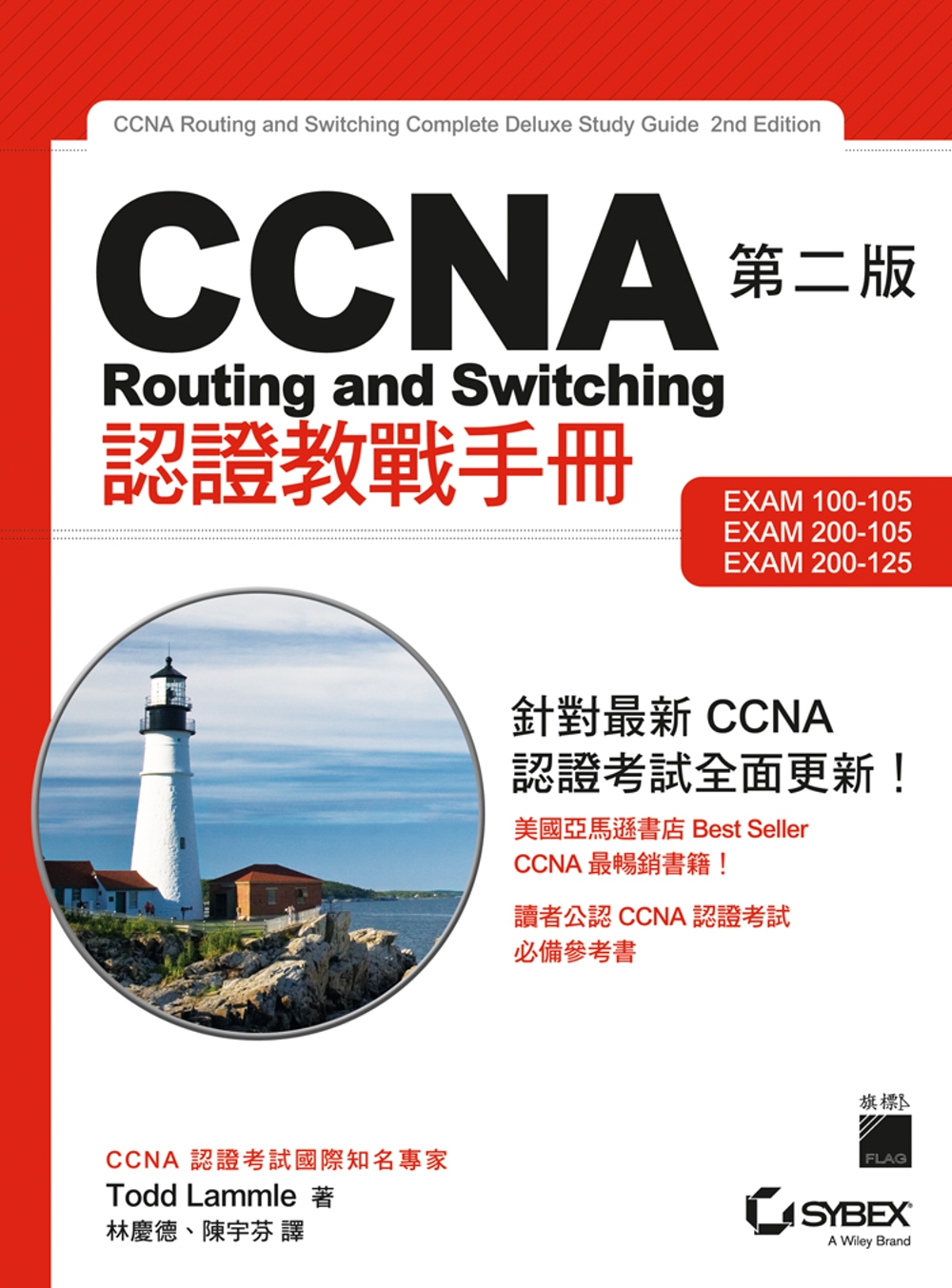
CCNA Routing and Switching 認證教戰手冊 第二版

作者: Todd Lammle  
譯者: 林慶德, 陳宇芬
出版社:旗標  
出版日期:2017/04/28
語言:繁體中文
定價:1180元

(繼續閱讀...)
文章標籤

helloworld 發表在 痞客邦 留言(0) 人氣(4,892)

  • 個人分類:系統管理
▲top
  • 1月 30 週三 201315:40
  • dovecot pop3 log format on maillog

pop3_logout_format = top=%t/%p, retr=%r/%b, del=%d/%m, size=%s

%i - total number of bytes read from client
%o - total number of bytes sent to client
%t - number of TOP commands
%p - number of bytes sent to client as a result of TOP command
%r - number of RETR commands
%b - number of bytes sent to client as a result of RETR command
%d - number of deleted messages
%m - number of messages (before deletion)
%s - mailbox size in bytes (before deletion)
%u - old/new UIDL hash. may help finding out if UIDLs changed unexpectedly

(繼續閱讀...)
文章標籤

helloworld 發表在 痞客邦 留言(0) 人氣(61)

  • 個人分類:系統管理
▲top
  • 12月 18 週二 201217:26
  • make NO_CHECKSUM=yes install

有時候可能會拿其他版本假裝是目前ports的版本來測試
就會出現checksum不對的錯誤訊息
=> SHA256 Checksum mismatch for postfix/postfix-2.9.3.tar.gz.

如果真的要讓他可以complie的話
make NO_CHECKSUM=yes install 即可

(繼續閱讀...)
文章標籤

helloworld 發表在 痞客邦 留言(0) 人氣(11)

  • 個人分類:系統管理
▲top
  • 12月 17 週一 201213:57
  • 建立FreeBSD swap file

如果當初的swap空間分配不對或是忘記切swap分割區的話
可以透過建立swapfile的方法來增加系統swap的空間

1. 確認你的kernel有沒有包含
device   md

2. 如果要建一個4G的swap,先用dd產生一個4G的file
dd if=/dev/zero of=/usr/swap0 bs=1024k count=4096
4096+0 records in
4096+0 records out
4294967296 bytes transferred in 40.404787 secs (106298476 bytes/sec)

3. chmod 0600 /usr/swap0

4. 編輯/etc/rc.conf
swapfile="/usr/swap0"

5. 重開機即可
如果要立即生效的話
mdconfig -a -t vnode -f /usr/swap0 -u 0 && swapon /dev/md0

(繼續閱讀...)
文章標籤

helloworld 發表在 痞客邦 留言(0) 人氣(86)

  • 個人分類:系統管理
▲top
  • 11月 02 週五 201214:18
  • 如果win7上面的msn沒有回應的處理

感覺像是當掉,出現沒有回應的訊息
但是有耐心的等一會兒又可以輸入對話

解決的方法:
打開IE->網際網路選項->連線->區域網路設定->自動偵測設定的勾取消掉->確定

真的正常了耶 .... (灑花)

(繼續閱讀...)
文章標籤

helloworld 發表在 痞客邦 留言(0) 人氣(87)

  • 個人分類:系統管理
▲top
«1...39404144»

momo shop

近期文章

    誰來我家

    我的地盤

    helloworld
    暱稱:
    helloworld
    分類:
    生活綜合
    好友:
    累積中
    地區:

    文章分類

    • 資料庫 (45)
    • 工商服務 (95)
    • 吃吃吃 (29)
    • 系統管理 (438)
    • 遊記 (24)
    • 未分類文章 (1)

    參觀人氣

    • 本日人氣:
    • 累積人氣:

    pixGoogleAdsense1

    pixGoogleAdsense2

    留言板